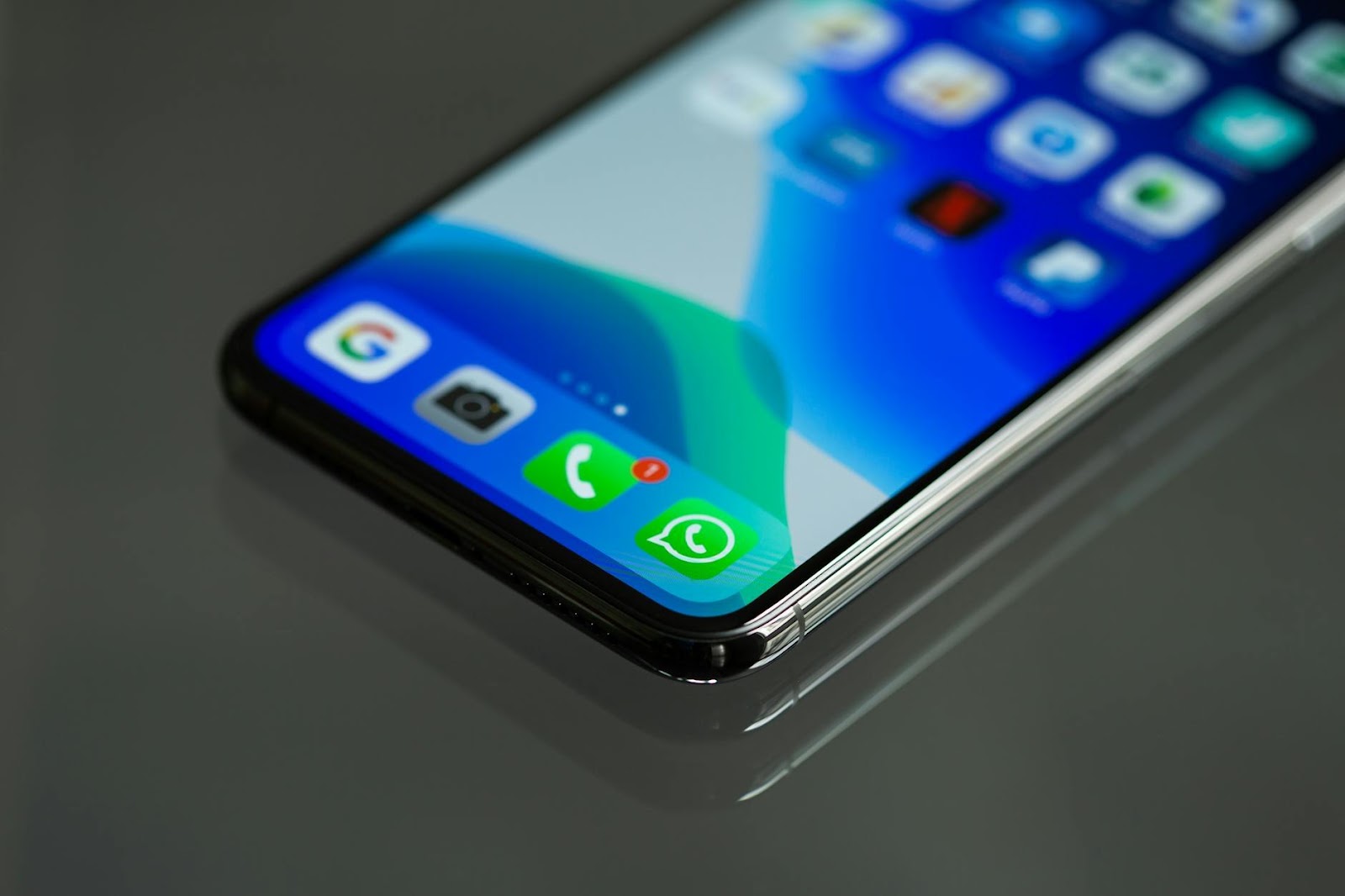
WhatsApp has started rolling out its View Once feature for text messages to some iPhone users on beta version 26.45.10.73, according to WABetaInfo.
The feature has already been available to beta users on Android for about two weeks. On iOS, it works the same way.
How to send a self-vanishing text
Type your message in the box, then press and hold the send button and select "View Once." The first time you use it, WhatsApp shows a short explanation. Tap "OK" to continue.
What the recipient can and cannot do
The recipient must tap the view-once text in the chat to read it. The message opens in a separate interface, and once they close it, they cannot reopen it.
If the receiver has read receipts turned on, the message is marked as opened. After that, the text disappears for both the sender and the receiver.
The recipient cannot copy, forward, or save the message. WhatsApp also blocks screenshots and screen recordings while the text is being viewed.
What is still missing
For now, users cannot schedule view-once text messages. WhatsApp has not said whether that option will arrive later.
Because the feature is still in beta, not every iPhone user will see it yet.
https://www.gsmarena.com/whatsapp_view_once_text_message_ios_beta_users-news-75604.php
TL;DR
- WhatsApp View Once text messages are now reaching some iPhone beta users.
- The feature is available on WhatsApp beta version 26.45.10.73 for iOS.
- Users press and hold send, then choose View Once to send a self-vanishing text.
- Recipients can read it once in a separate screen and cannot reopen it.
- Copying, forwarding, saving, and screenshots are blocked while viewing.
- Scheduling view-once texts is not yet supported.
Frequently asked questions
How do you send a View Once text on WhatsApp for iPhone?
Type your message, press and hold the send button, then select View Once. WhatsApp explains the feature the first time you use it.
Can a recipient screenshot a WhatsApp View Once text?
No. WhatsApp blocks screenshots and screen recordings while the view-once text is being displayed.
Can WhatsApp View Once texts be scheduled?
Not yet. WhatsApp does not currently let users schedule view-once text messages, and it has not said whether that will change.