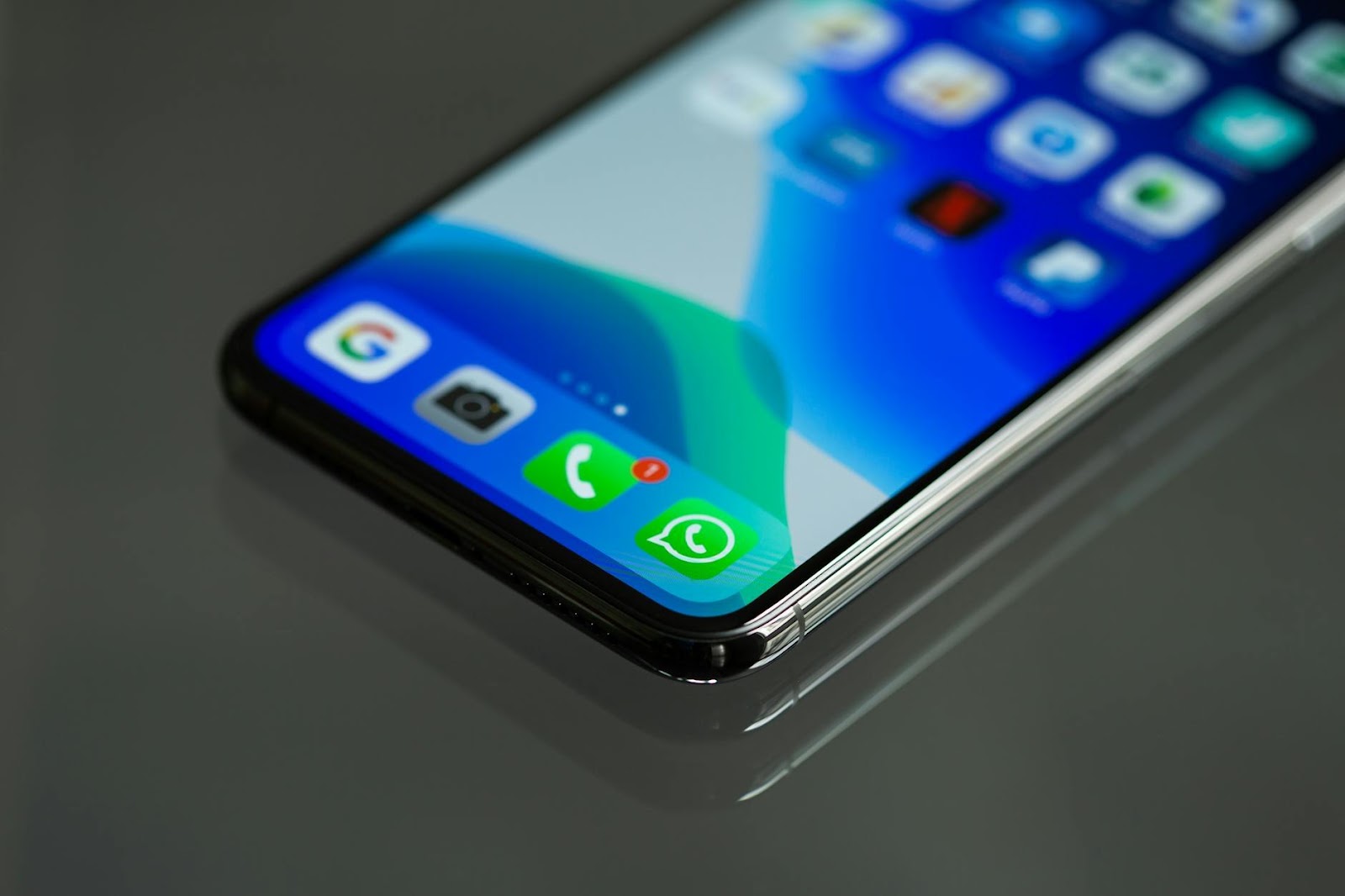
India’s cyber security authorities have warned WhatsApp Web users that hackers could take over an active login session on a computer and access their private chats. The alert was issued by the National Cybercrime Threat Analytics Unit, which operates under the Indian Cybercrime Coordination Centre.
The threat is simple. If someone who is already logged in to WhatsApp Web on a computer gets control of that session, they can use it as if they were the account owner.
What an attacker could do
According to the warning, a misused session could let criminals read personal messages and view the contact list. They could also see details of groups. Worse, they could send messages to other people pretending to be the victim, which opens the door to scams that look like they come from someone you trust.
A small lapse can therefore lead to a much bigger problem, both for you and for the people in your contacts.
How to stay safe after using WhatsApp Web
Closing the browser tab is not enough. Users should log out properly. The advice is also to check linked devices regularly and log out of any session that you do not recognise.
Public machines carry the highest risk. Cyber cafes, hotels and other shared computers should not be used to open WhatsApp Web. Personal or office data should not be accessed on public systems at all.
Why does this matter now?
WhatsApp Web is widely used for office work, personal conversations and file sharing, which makes an active session valuable to criminals. The warning highlights that a session left open on a shared computer can give an attacker the same access as the owner.
What should I check on my account?
Review the list of linked devices in WhatsApp and remove any session you do not recognise. Then log out of WhatsApp Web on any computer you have finished using.
Where is the warning from?
The alert comes from the National Cybercrime Threat Analytics Unit, which works under the Indian Cybercrime Coordination Centre.
Key Facts
The warning was issued by the National Cybercrime Threat Analytics Unit under the Indian Cybercrime Coordination Centre.Hackers may misuse an already logged-in WhatsApp Web session on a computer.A misused session could expose personal messages, contacts and group details.Criminals could send messages pretending to be the account owner.Users are advised to log out, check linked devices and avoid public computers.TL;DR
- Hackers can misuse an active WhatsApp Web session on a computer to read your private chats.
- India’s National Cybercrime Threat Analytics Unit has issued a warning to WhatsApp Web users.
- A hijacked session could expose personal messages, contacts and group details.
- Criminals could send messages pretending to be the account owner to run scams.
- Always log out of WhatsApp Web, check linked devices, and avoid public computers.
Frequently asked questions
Can hackers read my WhatsApp chats through WhatsApp Web?
Yes, according to the warning, hackers who take over an active WhatsApp Web session can read personal messages, view contacts and see group details.
What should I do after using WhatsApp Web on a computer?
Log out properly instead of just closing the browser tab, and check your linked devices for any session you do not recognise.
Who issued the WhatsApp Web warning?
The National Cybercrime Threat Analytics Unit, which operates under the Indian Cybercrime Coordination Centre, issued the alert.