ChatGPT and Google Gemini can turn a regular photo into a festive Diwali portrait, and you do not need any photo editing experience to get there. All you need is a picture, a clear prompt and a few minutes of patience.
Diwali is the season for lamps, decorations, traditional clothing and the family moments people want to hold on to. Many people now want their photos to carry that same festive mood, and AI tools make that possible without a studio or an editor. The tools can shape an everyday snapshot into a traditional portrait, a lamp-lit scene or a Bollywood-style festive look.
The process is simple. Upload your photo, then write a prompt describing the result you want. The more specific the instructions, the closer the output tends to get to what you imagined. The guide includes seven prompts that users can copy and adjust, and each one targets a different style.
Traditional Diwali portrait. If you want a classic Indian look, the first prompt asks the AI to create a realistic Diwali portrait from your uploaded photo. It suggests traditional Indian clothing in festive colours, glowing lamps, marigold flowers and a warm golden light backdrop. The key instruction is to keep your natural facial expression unchanged.
Royal ethnic look. The second prompt aims for a more regal feel. It asks for traditional clothes with detailed embroidery and delicate jewellery, set against a palace-style background bathed in warm light. As with the first prompt, it asks the AI to keep your original face and natural appearance intact.
Holding a lamp. For a softer, emotional frame, the third prompt places you holding a traditional lit lamp with a smile. It adds gently glowing lamps and flower petals drifting through the air. The guide suggests asking for a result that looks realistic and cinematic at the same time.
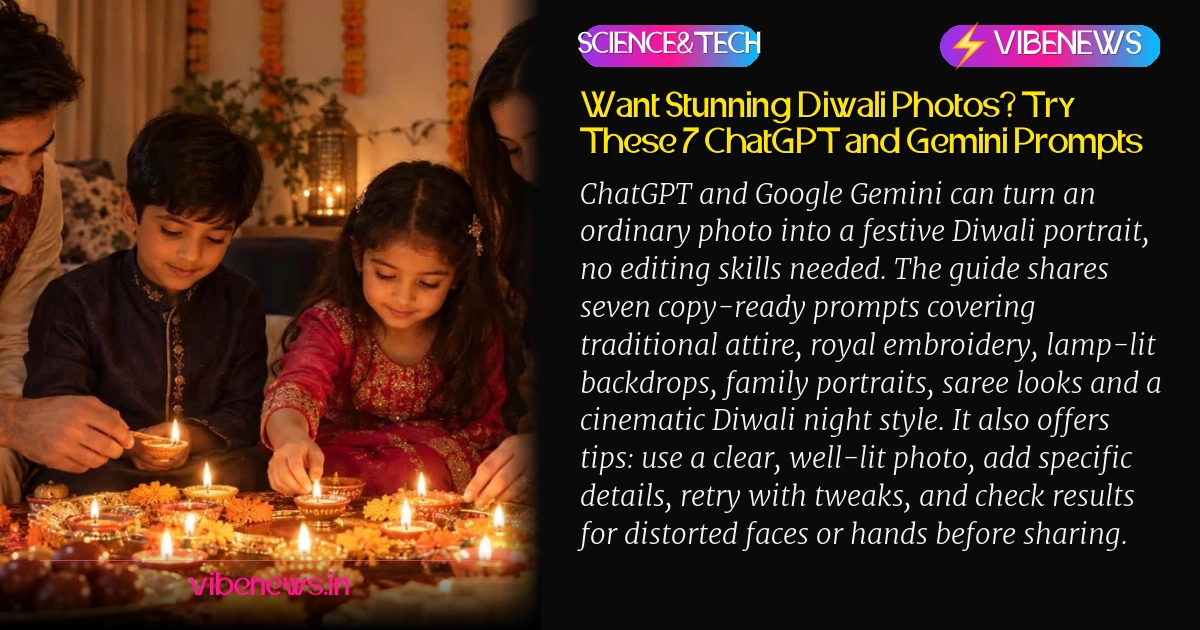
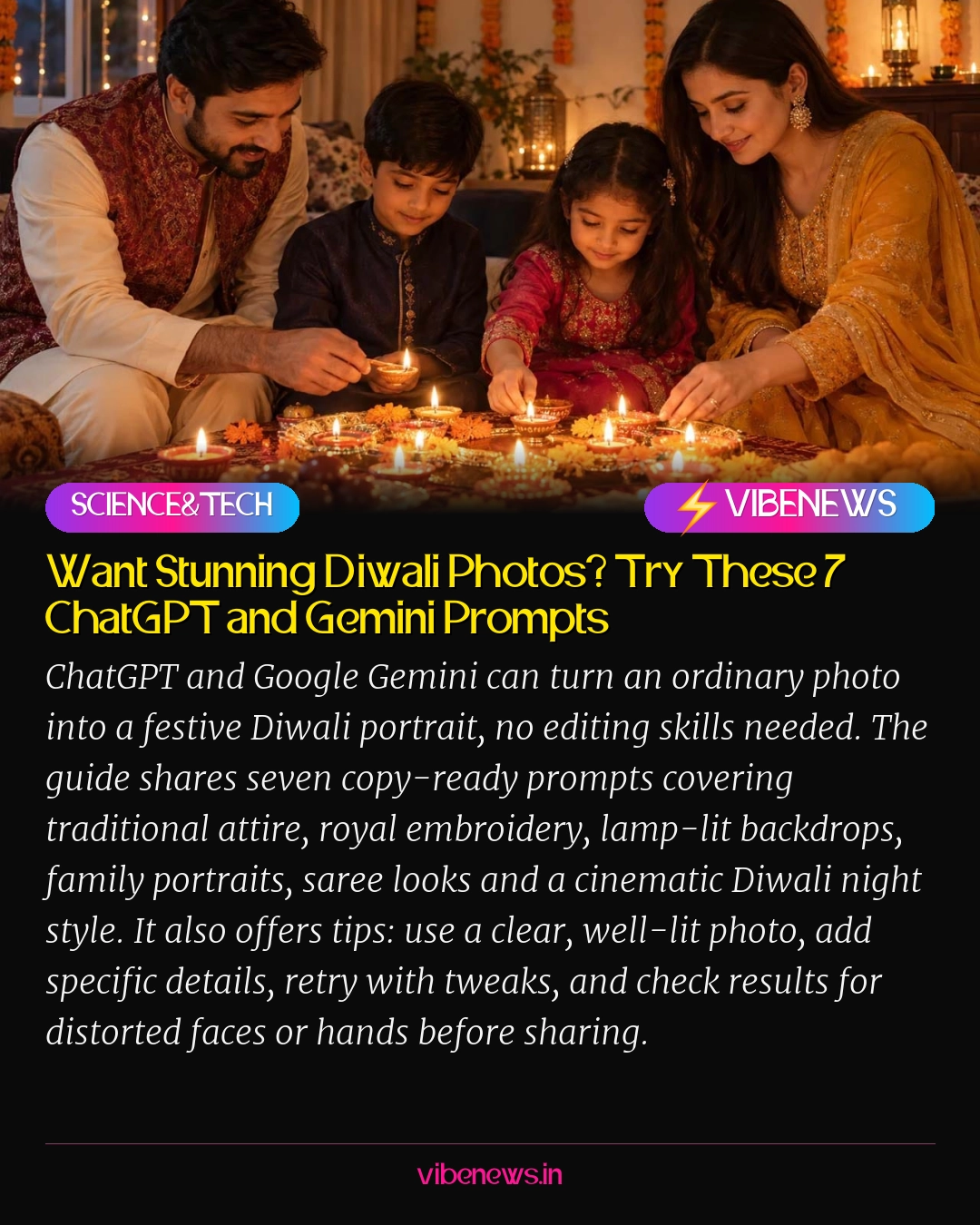
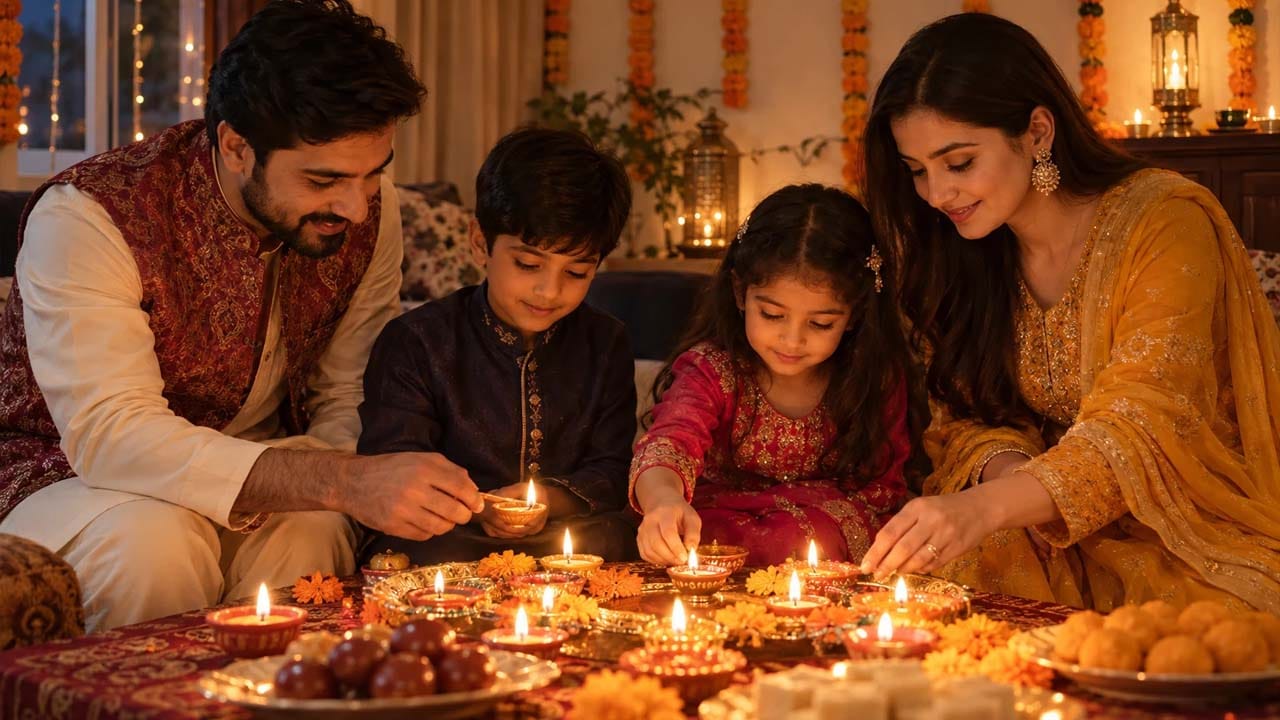
Family Diwali portrait. The fourth prompt is aimed at group photos. It asks the AI to turn a family picture into a festive image, with everyone dressed in matching traditional outfits and a background of lamps, rangoli and festive decorations. The guide stresses that every person’s facial expressions and gestures should stay intact, which matters a lot in family shots where people want to recognise themselves.
Traditional saree look. Women who want a festive look can try the fifth prompt. It asks for a silk saree and jewellery, with lit lamps, marigold decorations and warm fairy lights in the background. The face should look natural, with no visible changes.
Bollywood-style Diwali portrait. The sixth prompt is built for glamorous results. It asks for a stylish traditional outfit, elegant jewellery and a festive setting with golden lamps and decorative lights. It also requests professional photography-style lighting while keeping natural facial features.
Cinematic Diwali night. The seventh prompt creates a night-time scene. It asks for glowing lamps, colourful fairy lights and soft light in a nighttime setting, with rich colours and realistic details. The instruction is clear: do not change the face.
Getting a good result also depends on the photo you upload. The guide advises using a picture where your face is clearly visible and the lighting is good enough to show details. In the prompt, describe the clothing colour, background, jewellery and lighting so the AI has something concrete to work with.
The first output may not match what you pictured. The guide suggests keeping the same prompt, making small changes and trying again rather than starting from scratch. That approach can help you refine the look step by step.
The guide also includes a warning that matters before anything gets shared. AI tools can sometimes alter faces, hands or clothing details, so every image should be reviewed carefully before you use it.
AI can sometimes change faces, hands or clothing details, so check the image carefully before using it.
Privacy is the other thing to check. Before you upload a personal photo, review the privacy settings and data usage terms of the AI tool you plan to use. Personal images are sensitive, and knowing how a platform stores or uses uploaded content is a sensible first step, especially when you are sharing family pictures.
For anyone who has been curious about AI photo editing but unsure where to start, this kind of guide offers a practical entry point. The prompts are ready to copy, the instructions are short, and the festival gives people a clear reason to experiment. The main rule is simple: be specific, check the output and protect your own photos.
TL;DR
- ChatGPT and Google Gemini can turn an ordinary photo into a festive Diwali portrait with no editing skills required.
- A guide lists seven copy-ready prompts covering traditional attire, royal embroidery, lamp-lit scenes and cinematic Diwali night looks.
- Users upload a photo and describe the result they want, and more specific prompts generally produce results closer to the vision.
- The guide advises using a clear, well-lit photo and keeping the original facial expression unchanged in the prompt.
- AI tools can sometimes alter faces, hands or clothing, so every generated image should be reviewed before sharing.
- Before uploading personal photos, check the privacy settings and data usage terms of the AI tool.