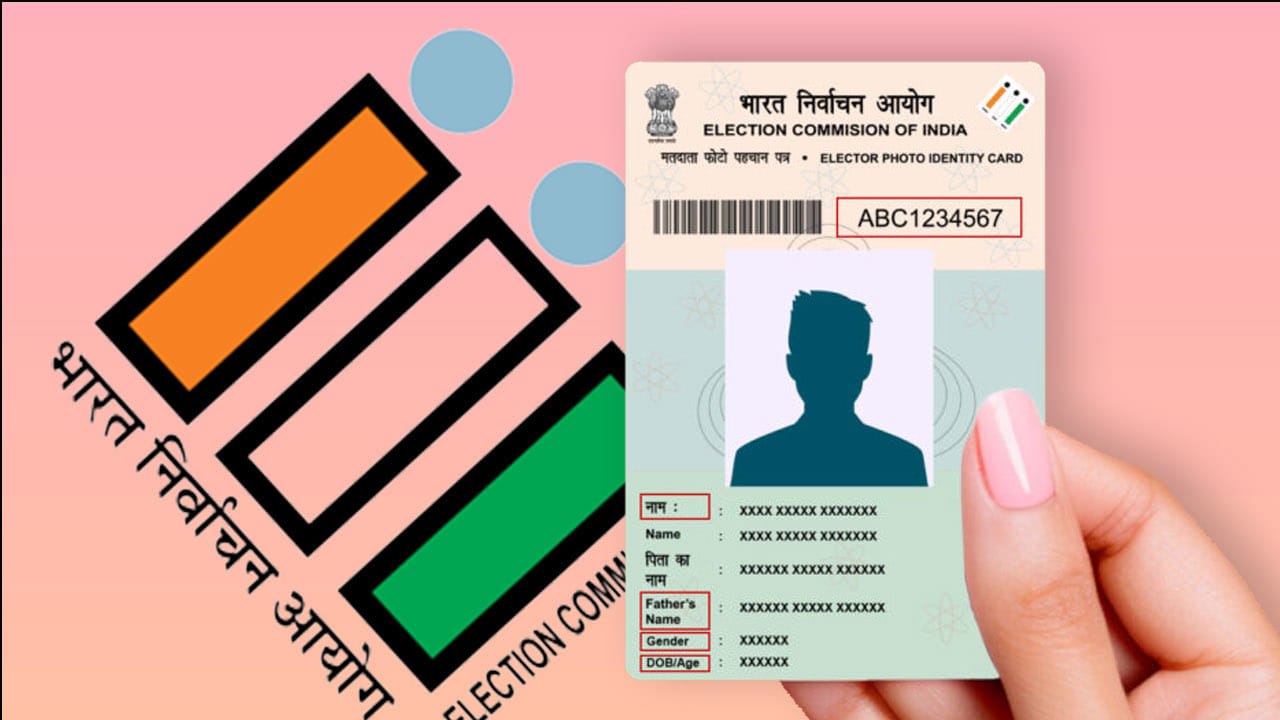
Lost your voter ID card? You can download a digital copy from the Election Commission of India’s official website, voters.eci.gov.in, using your mobile phone. You do not need to visit any office to get it.
The voter ID is more than a voting tool. It also works as an identity document for a range of services, which is why keeping a copy handy matters. If the physical card goes missing, the online route is the fastest way to get a replacement PDF.
How to download your e-EPIC step by step
Start by opening the official ECI website, voters.eci.gov.in. On the homepage, scroll down slightly and look for the option labelled e-EPIC Download. Click it.
Next, log in with your mobile number and password. If you have never used the portal, register as a new user instead.
Enter your mobile number and the captcha, then click Request OTP. An OTP will arrive on your phone. Enter it and verify.
Once verified, type in your voter ID card number, which is the EPIC number. Then fill in your state, date of birth, constituency and village details.
After entering these details, click the Search button. Your voter ID card number, name, father’s or mother’s name, and mobile number should appear on screen.
A download option will show up in that section. Click it, and your voter ID card downloads as a PDF. The download step is the final one, and the PDF is the digital version you can save on your phone or print.
The mobile number catch
Your mobile number must be linked to your ECI records for this to work. This is the step most people miss, and it decides whether the download goes through.
To check, look at the number shown on screen. If the last four digits of your mobile number appear, your number is linked. If you see no match, the number is not linked to your record.
Your mobile number must be linked in ECI records to download the voter ID card online.
If your number is not linked, you can fix it by submitting Form 8 to the Election Commission. You can do this online or offline. Once the update is done, you can return to the e-EPIC portal and repeat the steps above.
Stuck? Here is who to contact
If you have questions, the website lists the details of the Booth Level Officer, known as the BLO, along with those of senior officials. You can call them directly to clear up your doubts.
The BLO route is useful if the portal does not show your details or if you have trouble with the linking process. Keep your EPIC number and personal details ready before you call, so the conversation moves quickly.
Losing a voter ID card is stressful, especially when you need it for an identity check. The good news is that the entire recovery can happen on your phone, from home. Save the PDF once you have it, and keep a copy in your phone storage so you are not caught without it again.
TL;DR
- You can download a digital voter ID card from voters.eci.gov.in from your phone, without going to any office.
- The e-EPIC Download option on the ECI homepage starts the process, and you need to verify with an OTP.
- Your mobile number must be linked to ECI records, or the download will not go through.
- If the last four digits of your number appear on screen, the link is confirmed.
- If your number is not linked, submit Form 8 online or offline to update it.
- For help, the website lists BLO and senior official contact details.